
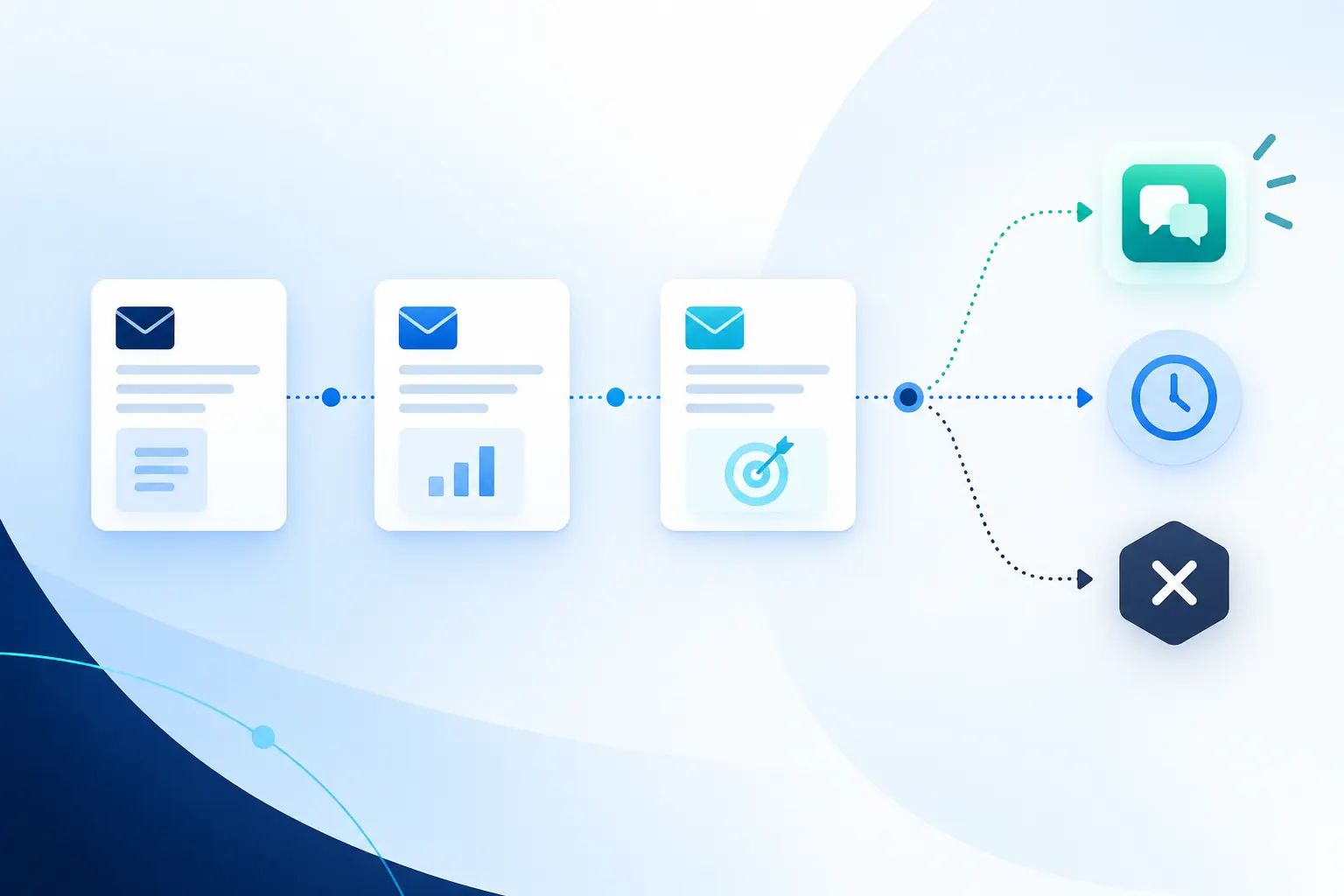
A cold email follow-up is another message after an initial outreach email. It should add a useful detail, make the question easier to answer or respond to what the recipient actually said.
The ten templates below cover different situations: no response, new evidence, a request for information, a timing request and a respectful close. Choose the one that matches the conversation. They are alternatives, not a ten-email sequence.
Every example is original and fictional. None is a Rhycon customer campaign, tested winner or promised response rate. Use the templates as starting points for your sales emails, then replace the details with evidence from your own account research. The decision table and sequence planner will help you decide whether another message belongs in the queue.
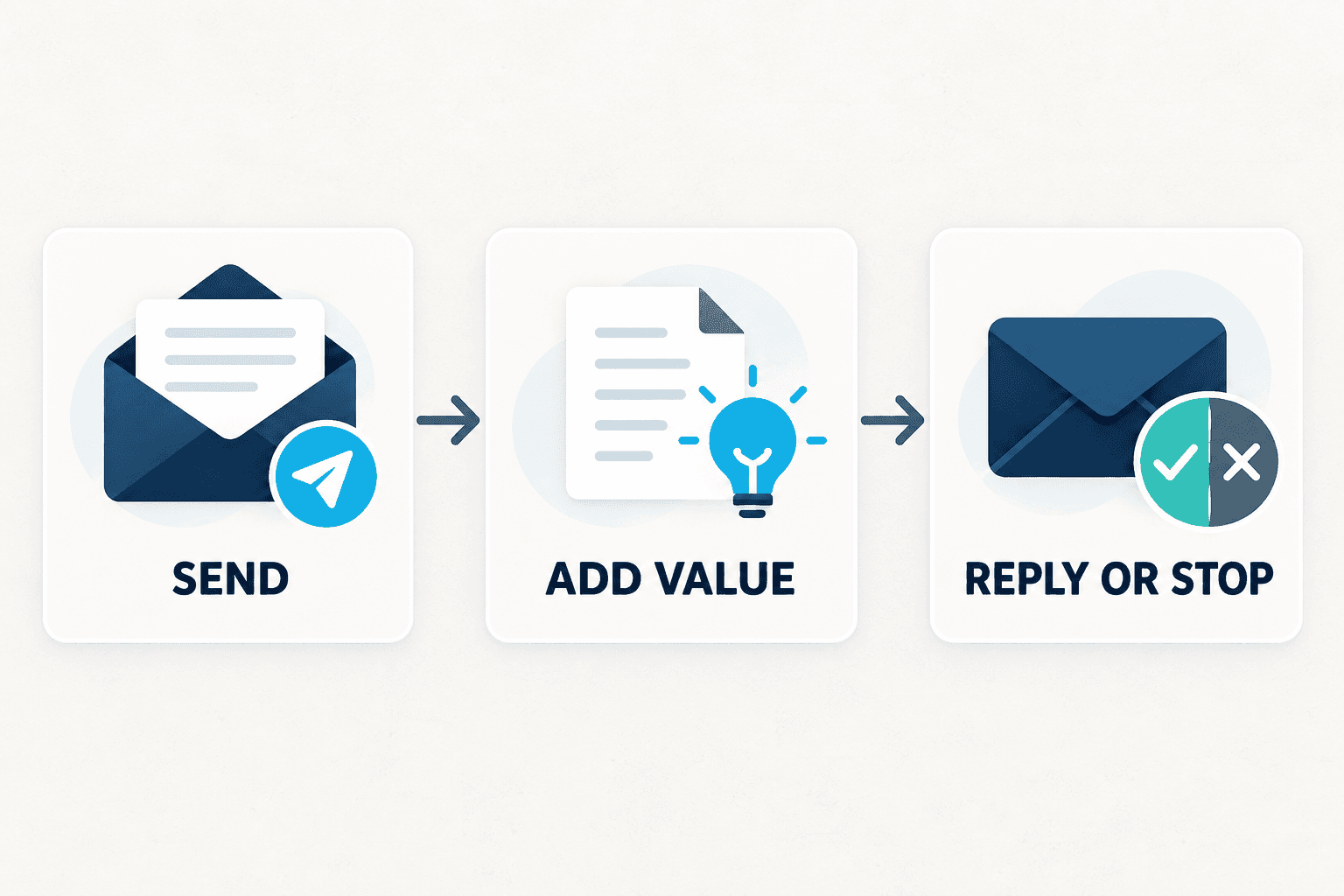
Choose a cold email follow-up template
Situation | Template | What it adds |
|---|---|---|
Your first question was too broad | 1. Make the question concrete | One specific workflow decision |
You can give the recipient something useful now | 2. Share the small worksheet | A usable five-field record |
The offer still sounds abstract | 3. Show a miniature example | An example with its limits stated |
Relevant company evidence has changed | 4. Introduce the new event | A verified reason to reconsider |
The contact’s responsibilities are uncertain | 5. Check the role | A clear route to end incorrect targeting |
Your first email asked for a meeting too early | 6. Reduce the commitment | A short explanation inside the email |
The recipient asked for information | 7. Answer the request | The information they actually requested |
The recipient agreed to a later check-in | 8. Return at the agreed time | Continuity with an explicit request |
An out-of-office reply interrupted the sequence | 9. Resume after review | Context without assuming interest |
You have nothing useful left to add | 10. Close the sequence | A clear end to unanswered outreach |
The fictional offers include sales-workflow, billing-reconciliation and account-assignment software. Adapt the structure to your own offer and verified capabilities. Where a template says “the note below,” send it as an actual reply to that note. Keep your real sender signature and applicable sending footer with every message.
Ten copyable cold email follow-up templates
1. Make a broad question concrete
Use when: your first email asked about a large problem, such as “improving sales efficiency,” and you can narrow it to one decision relevant to this person.
Hi Maya,
One more specific version of my question below: when a prospect replies, can the person answering see the company evidence that led to the first email?
That’s the handoff our workflow supports. Is that context already available to your reply owner?
Alex
Adapt it: choose one workflow decision this person’s role equips them to answer.
2. Share the small worksheet
Use when: a short artifact would make the original offer easier to understand. Give enough of it in the message to be useful without requiring a click or meeting.
Hi Maya,
Here’s the small handoff record I had in mind:
Source: [original URL and date]
Observation: [what it actually says]
Hypothesis: [why the offer might fit]
Reply: [the buyer’s own words, or “none”]
Owner: [person responsible for the next step]
Would those five fields cover the context your team needs, or is one missing?
Alex
Adapt it: use field labels that fit your offer and have the promised resource ready. The SDR-to-AE handoff checklist covers the later transfer into an agreed sales conversation.
3. Show a miniature example
Use when: you need to demonstrate the difference between researched context and an unsupported sales claim.
Hi Maya,
A fictional example may explain the point below:
Observation: a company announces a second market.
Question to investigate: will prospect context need to move between teams?
Still unknown: whether the company has a handoff problem at all.
That’s the distinction I meant in the research note below. Is it part of how your team checks prospect research?
Alex
Adapt it: show one observation, one question and one unknown. Keep a teaching example labeled as such.
4. Introduce a new company event
Use when: an official source published relevant evidence after your original note. Here, fictional Northstar Cloud has launched usage-based billing. The fictional seller offers software that traces billed amounts back to usage records.
Hi Jordan,
Since my note below, Northstar’s new plan documentation says billing is calculated from recorded product events.
That makes the reconciliation example more relevant: it shows how to trace a disputed bill back to the usage records behind it.
Is that review part of your rollout, or is it already covered?
Casey
Adapt it: confirm the event is new and record its original source. The B2B buying signals guide helps you assess its connection to the offer.
5. Check whether the role is right
Use when: available evidence suggests a relevant role, but responsibility for this particular workflow is uncertain.
Hi Maya,
I may have aimed the note below at the wrong responsibility. Does prospect-to-reply handoff sit within your role?
If it doesn’t, I’ll close this sequence for you. No need to find another contact on my behalf.
Alex
Adapt it: name the responsibility precisely and use the answer to correct your targeting record.
6. Reduce the commitment after an early meeting request
Use when: you asked for a call before showing enough substance. This fictional seller offers account-assignment software to a team changing its ownership model.
Hi Sam,
My first note jumped to a call before explaining the idea.
The proposed workflow compares account-owner records across systems, flags disagreements and gives each one a named reviewer. That creates a short reconciliation queue during an ownership change.
Would a worked example help you assess whether it fits your transition?
Lee
Adapt it: explain a capability you can demonstrate and offer an example that makes the evaluation easier.
7. Answer a request for information
Use when: the recipient replied asking for details. Stop the unanswered automation and respond to that request. This is now a conversation.
Hi Maya,
You asked which information the next owner would receive. In this example, the record contains the source, observed fact, working hypothesis, buyer reply and next owner.
The buyer’s words stay separate from the seller’s interpretation. That lets the next person see what was actually confirmed.
Does that answer the handoff question you raised?
Alex
Adapt it: answer the buyer’s actual question with current information; identify any detail you still need to confirm.
8. Return at an agreed time
Use when: the recipient explicitly asked you to check back in a particular period. In this example, they requested the first week of October.
Hi Maya,
You asked me to check back in the first week of October about the handoff workflow, so I’m returning to that note.
Is it useful to pick this up now, or has the priority changed?
Alex
Adapt it: substitute the period and topic from the recipient’s actual request.
9. Resume after an out-of-office pause
Use when: an automatic reply gave a return date, that date has passed and a human review confirms the original topic is still relevant. An automatic response is not evidence of interest or an agreement to meet.
Hi Maya,
Bringing the note below back after the return date in your automatic reply.
The question was whether the original account research reaches the person handling a prospect’s response. If it helps, I can send the five-field example here in the thread.
Alex
Adapt it: review the role, source and suppression record when the stated date arrives. Keep unclear return dates in the review queue.
10. Close the unanswered sequence
Use when: another reminder would add nothing useful. This is sometimes called a breakup email, but it does not need guilt, an ultimatum or a fabricated deadline.
Hi Maya,
I’ll close the loop on the handoff note below and end this sequence here.
If the workflow becomes relevant later, you’re welcome to reply. No action needed otherwise.
Alex
Adapt it: connect this message to the sequence’s actual end condition. Apply any earlier reply or stop event before considering a close.
How to send a follow up email after no response
A follow up email after no response should give the potential client a new reason to answer. Read the previous email first. If the message already explains the pain point, repeating it will not create a more effective follow up email. Add a useful example, answer a likely question or make the decision smaller. This can increase your chances of a useful reply without increasing sequence length.
Use this five-step check before you send follow up emails:
Confirm that the reason is still current. Recheck the source, the recipient’s role and any reply, bounce or suppression event. Decision makers change responsibilities, and a relevant event can expire.
Add one piece of value. This could be a short case study you are allowed to share, a worked example, a checklist or a verified update. Do not invent social proof. Label a fictional example clearly.
Connect it to the previous email. A simple opening line such as “One useful detail to add to my note below” gives context without pretending the recipient replied.
Ask one easy question. Give the reader clear starting points: confirm whether the issue exists, ask for the correct timing or close the sequence. A personal touch should come from real account evidence, not a guessed compliment.
Set the exit rule before sending. Stop the email sequence after a reply, opt-out, hard bounce, lost relevance or the planned final message. Move an interested reply to the sales team or named reply owner immediately.
Avoid “I haven’t heard from you,” “just checking in” and “feel free to book time” when they add no substance. If a phone call is appropriate for your market, use it only under your team’s contact rules; do not treat it as an automatic extra step after unanswered email.
For example, the second message in a three-touch plan could share a one-paragraph case study. The final message could ask whether the topic should be closed. Those messages do different jobs. Sending the same meeting request three times only increases frequency.
A short sales follow up email example
Hi Maya,
One useful detail to add to my previous email: the handoff record keeps the source, observed fact and buyer reply separate, so the next owner can see what was confirmed.
Would a one-page example help you decide whether that would fit your sales team?
Alex
This example uses a specific benefit and one question. Replace both with evidence that applies to the recipient. If you cite a customer result, name the source and confirm that you can use it. Measure the reply rate for comparable groups, then track qualified conversations separately; a reply alone does not show commercial intent.
Follow-up email subject lines that fit the message
If you are continuing the same topic, reply to the real existing thread. Do not change the subject on every touch to disguise repeated outreach.
For a new message or topic, use a subject that describes its content. These original examples fit the fictional scenarios above:
Subject line | Use only when the email contains |
|---|---|
Prospect reply ownership | A specific question about who handles replies |
Five fields for the handoff | The five-field worksheet or an accurate description of it |
Research context: a small example | The miniature research example |
Northstar’s usage-billing launch | A verified new announcement relevant to the offer |
RevOps ownership question | A narrow question about the recipient’s responsibility |
Account ownership reconciliation | A concrete explanation of the account-assignment process |
Your question about the handoff record | A reply to an actual question the person asked |
October check-in, as requested | A check-in the person explicitly requested for October |
Avoid subjects such as “Final notice,” “Meeting confirmed” or “As discussed” when those statements are untrue. Google’s guidance for messages to personal Gmail accounts says subject lines and headers should accurately represent the message, including using Re: or Fwd: only for actual replies or forwards. Google’s email sender guidelines.
Build a short sequence from the templates
Use each message to do a different job. Here is one fictional planning example, following an initial evidence-based outreach email:
Stage | Message | Initial scheduling hypothesis | Exit condition |
|---|---|---|---|
First outreach | State the verified observation and ask one relevant question | Day 0 | Any reply, suppression event or lost relevance |
First follow-up | Template 2: provide the five-field worksheet | Four business days later | Any reply, suppression event or lost relevance |
Final follow-up | Template 10: close the sequence | Five more business days later | End the unanswered sequence |
The four- and five-day gaps are proposed test settings, not universal best times. Adjust them for your audience’s normal business cycle, known absence, the freshness of the event and your sending rules. Do not send the other templates between these steps simply because they exist.
If you need help with the first message, use the cold email personalization examples. If the underlying event has become stale, return to the signal-based selling workflow and reconsider the targeting before changing the copy.
Decide what happens before the next send
Latest event | Decision |
|---|---|
No response | Send only if relevance still holds and the next message adds something useful |
Interested reply, question or objection | Stop the unanswered automation; give the conversation to its reply owner |
Explicit request to reconnect later | Record the requested timing; review again when it arrives |
Automatic out-of-office reply | Pause; review the date, contact and evidence before any restart |
Not interested or opt-out | Stop and record the appropriate suppression outcome |
Hard bounce or invalid address | Stop; correct or reject the contact record |
Wrong person or expired reason to contact | Stop; repair the targeting decision |
Final unanswered message sent | End this sequence; do not quietly restart the same one |
These decisions need an owner and an enforceable rule. A “stop on reply” note in a planning document is not enough if another active campaign can still send to the same person. Check for overlapping sequences before release.
For US commercial email, the FTC’s guide covers accurate sender information, truthful subjects, advertising identification, a valid postal address and opt-out handling; it also explains that B2B email is within scope. Keep those elements in the completed message. The examples above illustrate message bodies, not a complete sending-policy configuration. FTC CAN-SPAM business guide.
Copy this follow-up sequence planner
Complete one card per audience and message treatment. Keep observed facts separate from hypotheses.
FOLLOW-UP SEQUENCE CARD

Audience and responsible role:
Original source URL:
Event date / date checked:
Verified observation:
Connection to our offer:
What remains unknown:
Reason to reject or stop contact:

First message: observation + one question
Follow-up chosen: template number + new information
Final message, if appropriate:
Initial business-day gaps:
Relevance expiry / review date:

Reply owner:
Interested / question / objection route:
Out-of-office pause and review rule:
Agreed-later check-in rule:
Opt-out / not-interested suppression rule:
Bounce / wrong-person rule:
Check for other active sequences:
Sequence end condition:

Cohort ID and inclusion rule:
Human-reply definition and denominator:
Qualified-conversation definition:
Meeting-booked / meeting-held definitions:
Observation window and review owner:
Read the entire sequence together before launch. Remove repeated asks, unsupported assumptions and promises that the next owner cannot keep. The prospect research checklist supplies a more detailed evidence record when the source or account fit is uncertain.
Measure whether the follow-up earned a conversation
Record the stage that preceded a reply, then classify the reply itself. An out-of-office message, rejection, question and interested response are different outcomes.
Use unique people for person-level reply measures and keep message counts separate. If a person receives three messages and replies twice, they are one person with a reply. Report both the numerator and the denominator so a longer sequence cannot look better merely because it sent more messages.
Compare the same kinds of accounts over a stated observation window. Keep the offer, audience and measurement definitions stable while testing one copy or timing change. Stage attribution shows which message preceded a reply; it does not prove that message alone caused the outcome.
Track qualified conversations, confirmed meetings, held meetings and accepted opportunities separately. Google’s sender guidance also cautions that third-party open rates are not something it can verify, and low open rates are not necessarily a reliable delivery diagnostic. Google’s open-rate guidance.
Use the cold email metrics and pipeline guide for the full measurement dictionary and worked example.
How Rhycon fits
Rhycon connects B2B prospect discovery, company research and personalized outreach with reply handling and meeting coordination. To see the full flow, see how Rhycon works and complete the interactive onboarding. The FAQ below is a supporting reference for current sending options and controls.
Use these templates to make your own decision rules explicit, whether you work in Rhycon or another system. Review the Rhycon FAQ for current sending options and controls, then define who owns approval, replies, pauses and results before enabling a sequence.