
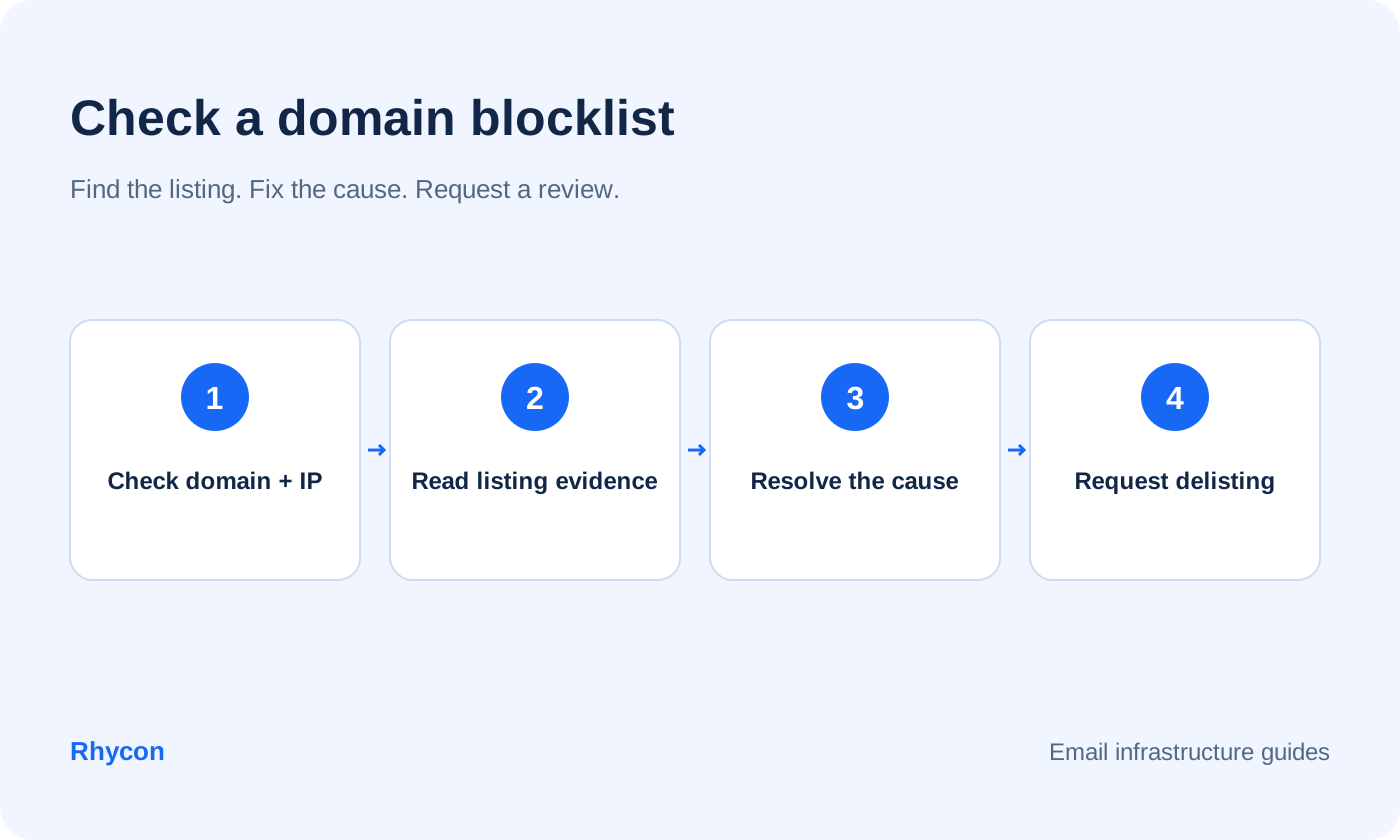
To check whether your domain is blacklisted, use the list operator’s official lookup and read any delivery error that names a list. A domain blacklist check is different from checking the sending server’s IP address.
If your domain is listed, identify the reason, fix it and follow that operator’s removal process. A clear result does not guarantee inbox placement.
Authentication problems are a common cause of poor placement that gets mistaken for blacklisting. Run your domain through the free Rhycon email deliverability checker first to rule that out.
Domain blacklist vs IP blacklist
A blacklist checker may test an IP address or domain. Use the correct input for each blacklist database.
IP blacklist. A sending mail server’s address may appear on an IP list. A listing can reflect abuse, a compromised system or a network policy; it does not always mean the mailbox owner was sending spam. If your IP is blacklisted, identify the list and ask your email provider who controls that address.
Domain blacklist. Your email domain or a domain linked in a message may be listed. Spamhaus DBL checks domains, while SURBL focuses on message URI domains. Changing the email server does not remove a domain listing. Check the visible sender, signing and link domains that are relevant to the reported error.
The main lists to know
Spamhaus. Its DBL is a domain list. Other Spamhaus lists cover IP addresses. Receivers choose how to use the results in spam filtering.
SURBL. Lists domains found in message URIs. Use the official lookup and removal instructions for the specific result.
Barracuda. Mostly IP-based, and widely used by corporate filters.
SpamCop. Reports-driven, based on user complaints. Listings tend to expire on their own.
How to check
Look up your sending domain and any tracking or link domains on the Spamhaus lookup page.
Enter your domain in SURBL’s lookup when a result or delivery error points to its lists.
Use a multi-list tool to check blacklists, but read which input each test expects. An IP-oriented result is not a complete test of email blacklists for domains.
Check Google Postmaster Tools if you have enough volume. Domain reputation is a separate signal from a public blocklist result. Postmaster data may be unavailable at low volume.
Confirm the exact listing before requesting removal
Save the delivery response, list name, lookup time and affected address. A rejection naming an IP list needs a different investigation from a listed tracking domain. Check the operator’s current result; a multi-list checker may show a cached answer. “Real time” in a list’s name does not mean every receiver updates instantly.
If the official lookup is clear, investigate authentication, recipient feedback and other filtering signals. Avoid submitting removal requests to unrelated lists. If it confirms a listing, read the stated reason and document what you changed. Spamhaus offers removal without a fee; its official checker is the place to start.
Official resources: Spamhaus domain blocklist guidance explains the DBL and removal process.
For message-link listings, read SURBL’s lookup and removal FAQs and follow the instructions for the reported domain.
Why domains get listed
High complaint rates. Recipients hitting “report spam”.
Bad lists. Purchased or old lists with spam traps and invalid addresses.
Compromised accounts. Someone else sending from your mailbox.
Link and tracking domains. A shared tracking domain can carry another sender’s reputation problems. A custom domain gives you more control, but it can also be listed; check redirects and final link destinations.
Sudden volume spikes. Sending hundreds of emails from a new domain on day one.
Linking to listed domains. A listed link destination can affect how receivers assess the message, even if your own sending domain is clear.
How to get delisted
Stop sending from the listed domain until you understand why.
Fix the cause. Secure accounts, clean the list, remove risky links, set up a custom tracking domain.
Confirm authentication. Check the received authentication results and alignment. This helps email deliverability, but passing authentication does not itself remove a listing.
Submit a removal request on the list’s own site. Be specific about what happened and what you changed. Keep it factual and short.
Wait. Some lists respond in hours, others take days. Repeated requests do not speed it up.
Restart slowly. Resume at a fraction of your previous volume.
Investigate repeated listings
If a listing returns, revisit the original cause and examine the traffic since removal. Replacing the domain without correcting the problem can repeat it on the next one. Keep the result, dates and corrective actions in a log. For help managing the setup, see Rhycon’s managed infrastructure, which uses Rhycon-owned domains and mailboxes for your outreach.
How to avoid it in the first place
Verify every address before you send.
Keep volume low and steady. See our warm-up schedule.
Use a custom tracking domain and do not link to unknown sites.
Keep copy relevant and make opting out easy.
Blacklist FAQs
How do I know if my domain is blacklisted?
Look it up on Spamhaus, SURBL and a multi-list checker. Sudden drops in replies or a spike in bounces are also signs.
How long does delisting take?
From a few hours to a few days, depending on the list. Some listings expire automatically.
Is being blacklisted the same as going to spam?
No. Spam placement can come from authentication, content or reputation problems with no blacklist involved. Check your setup first.
Can I keep using a blacklisted domain?
Resolve the cause and follow the list’s removal instructions before resuming the affected activity. Repeated listings need another investigation; a new domain is not a fix for the same underlying problem.
See how Rhycon works and complete the homepage onboarding to explore how research, outreach and replies fit your workflow.